
Apwal - The best simple launcher you never heard of
An old reliable launcher that is simple to configure and instant to appear

I've been using Apwal for many years now and have been surprised how few people have even heard of it let alone tried it. It gives you a bunch of launcher items that can pop up at your cursor location, its quick and simple and very useful. It has been around since 2004 and I’ve never seen a single bug or glitch with it, it has been utterly rock solid. No doubt why it hasn’t seen an update in many many years, it does what it does and does it very well. I just pray it continues to work as I’m a little lost without it ;)
Open up pamac-manager if you prefer a GUI. If you haven’t enabled AUR then do that now in pamac-manager settings. Then search for and install Apwal.
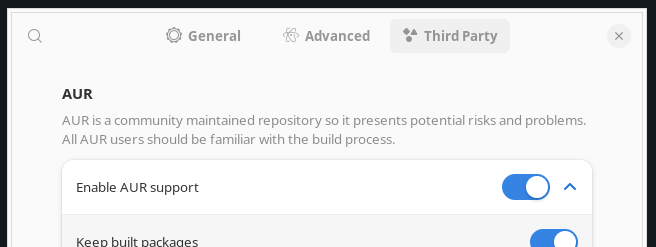
If you prefer a terminal and have already enabled AUR then do:
$ sudo pacman -S apwal
Now its loaded we should add some launchers to it so there is something for it to display, and ultimately launch. So now, open up that terminal if you thought you would get away with not using it before and enter the following:
$ apwal --edit
The config window will show and it will start to index available icons on your system for it to use as the launcher buttons. It takes a moment to index your icons if you have a load, so if it takes a while showing the load icons progress bar display, bear with it. The first launcher to set up in my opinion is one to open the editor again. Configure it as in the following screenshot, selecting whatever icon you would like to use that is on your system, these are some really old icons I’ve been using for well over a decade. I opted for a simple grey design back then as I changed my desktop theme frequently and it just matched whatever colour scheme was flavour of the month. You can pick whatever your little heart desires.
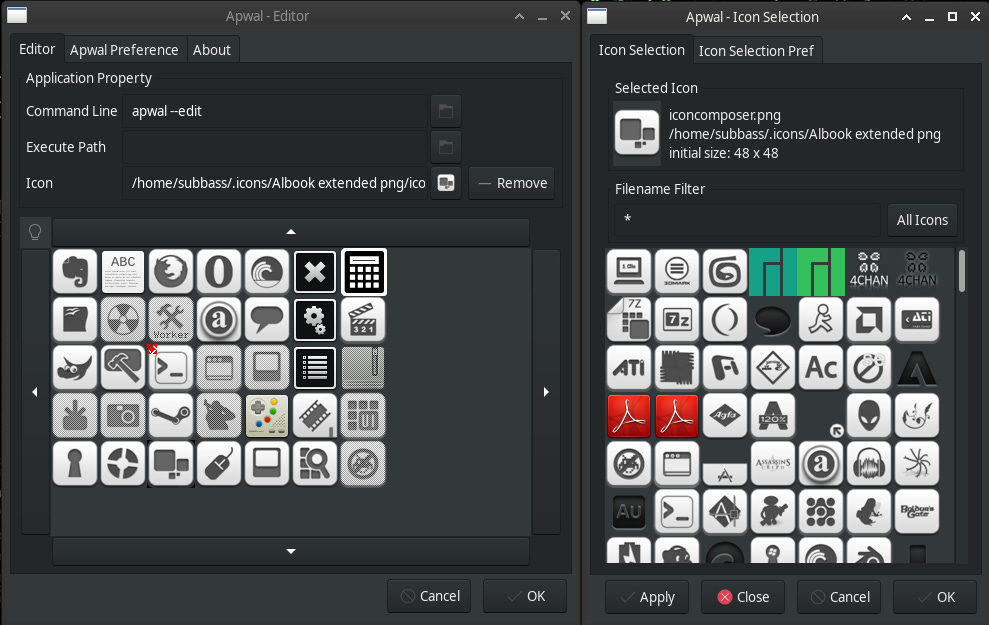
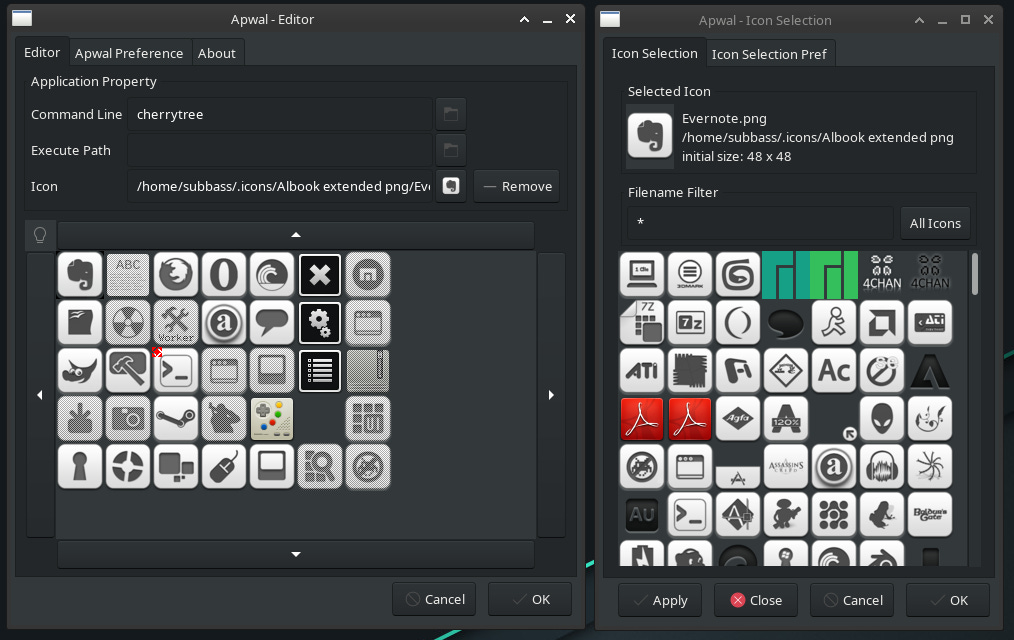
Ok, now its a fairly simple case of adding more applications to Apwal depending on what you want, and an icon to show for it, use the filter box on the icon display, if searching for an icon to mplayer for instance, filter *play* as an example to show any icons with play in their filename.
Clearly having to type Apwal to launch it isn’t particularly useful so you are gonna have to decide how you want to display on your desktop environment, on openbox I right click the mouse, on XFCE4 I have it bound to a mouse side button (a gaming razor mouse with 12 side buttons) and I’ve also bound it to one of my keyboards “macro” keys and that has proved very convenient too and is desktop environment agnostic.
Ok, now you should have a binding set that when you use your binding your launcher will popup darned near instantly, its very fast. This will normally work on top of other windows such as nautilus and just about anything else in my experience.
I hope you enjoy it, its certainly my preferred application launcher method and has easily stood the test of time, I’m reasonably sure I’ve been using it 15+ years and it has never failed me once. Speaking of which, if you update system rarely Apwal does break on Manjaro/Arch and just needs to be rebuilt. I should look into a more permanent solution to that.